What Websites Send When You Close the Page, and How PXTA Records Unload Beacons
A lot of tracking happens on the way out. Analytics tools want to know how long someone stayed and how far they scrolled, and the only moment they know that is when the visitor leaves. So scripts wait for the page to be hidden or closed, then send a last request with navigator.sendBeacon, which the browser delivers even as the page goes away.
These requests are easy to miss. Open the browser’s developer tools, click a link, and the network list clears for the new page, unless “Preserve log” was ticked first.
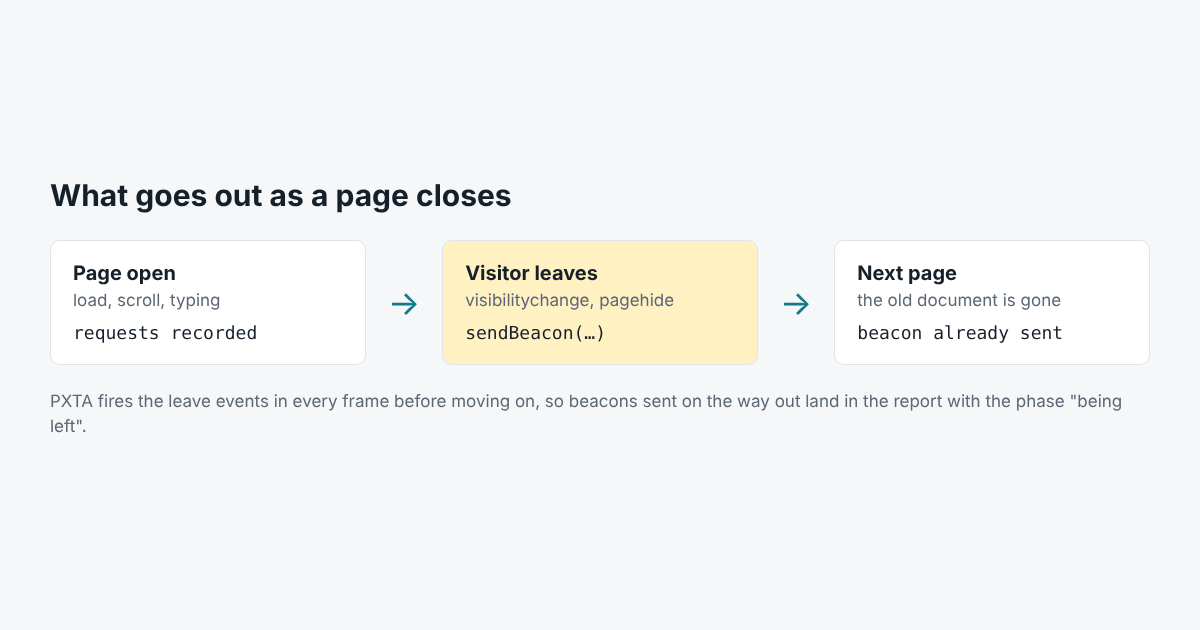
What Gets Sent
Leave beacons often carry the richest data of the visit: time on page, scroll depth, which elements were clicked, sometimes form fields the visitor typed into and then abandoned. Some session replay and form analytics tools send their batch at this point.
Most of them listen for visibilitychange and pagehide. Older scripts still use beforeunload and unload.
How PXTA Catches Them
Driving a browser from a script has a catch here. If the audit just navigates to the next address, the old page is torn down, and the browser’s debugging interface may never report the beacon it sent on the way out.
So PXTA leaves each page on purpose. After it has waited for the page to go quiet, scrolled and filled email fields, it fires visibilitychange, pagehide, beforeunload and unload in the page and in every frame, waits a moment for anything those events send, and only then moves on. Each request in the report says when it left: while the page was loading, while it was scrolled and filled in, or while it was being left.
Why It Matters for Consent
A beacon sent on the way out is still a request from a tracker. If the visitor rejected tracking, it shouldn’t go. PXTA’s tests include a page that sends a beacon only on pagehide. The test passes only if that beacon is in the report, marked as sent while the page was being left, and it passes in the recorded results.